
Mortal Kombat Komplete Edition

Screenshoots
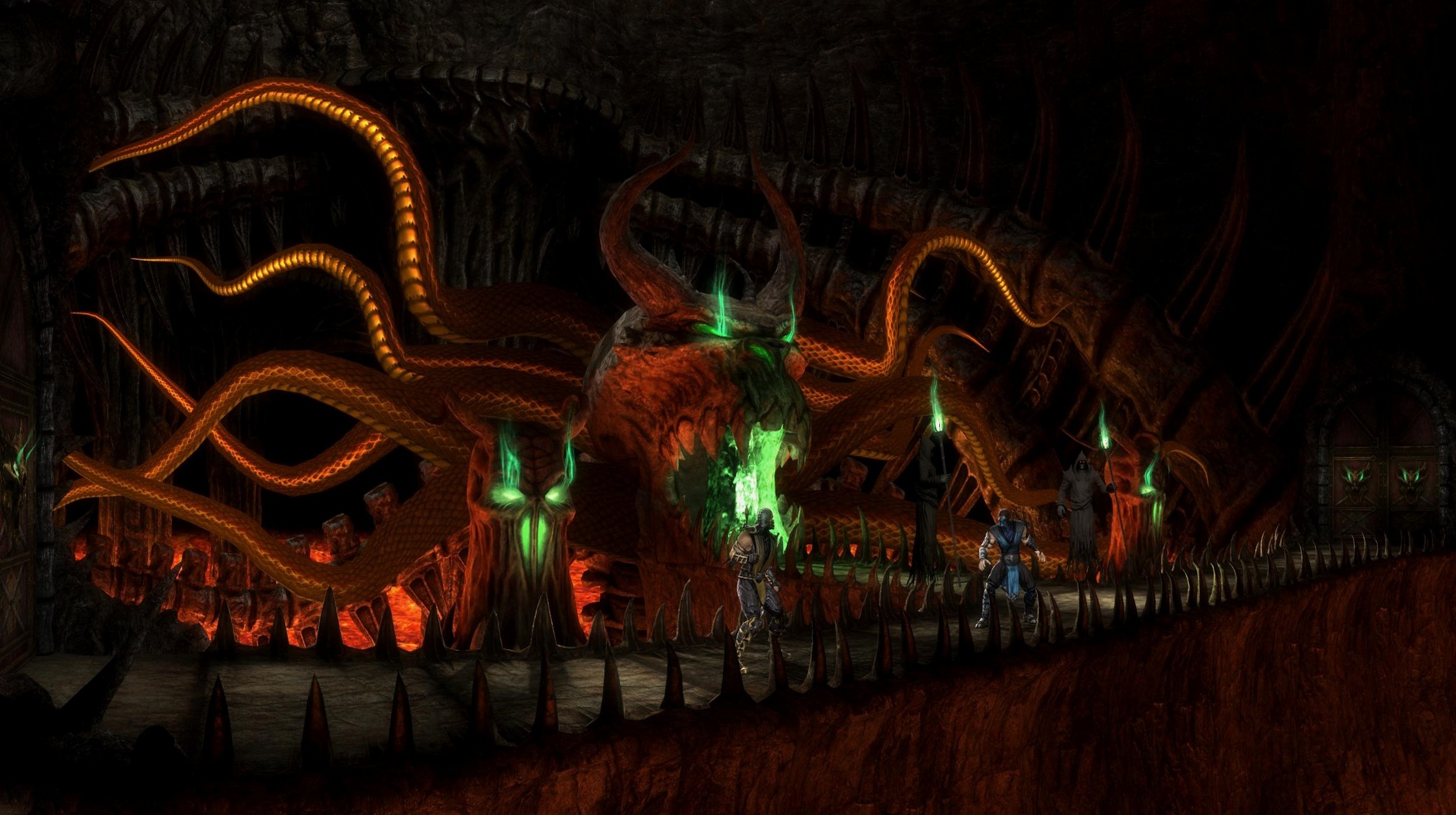
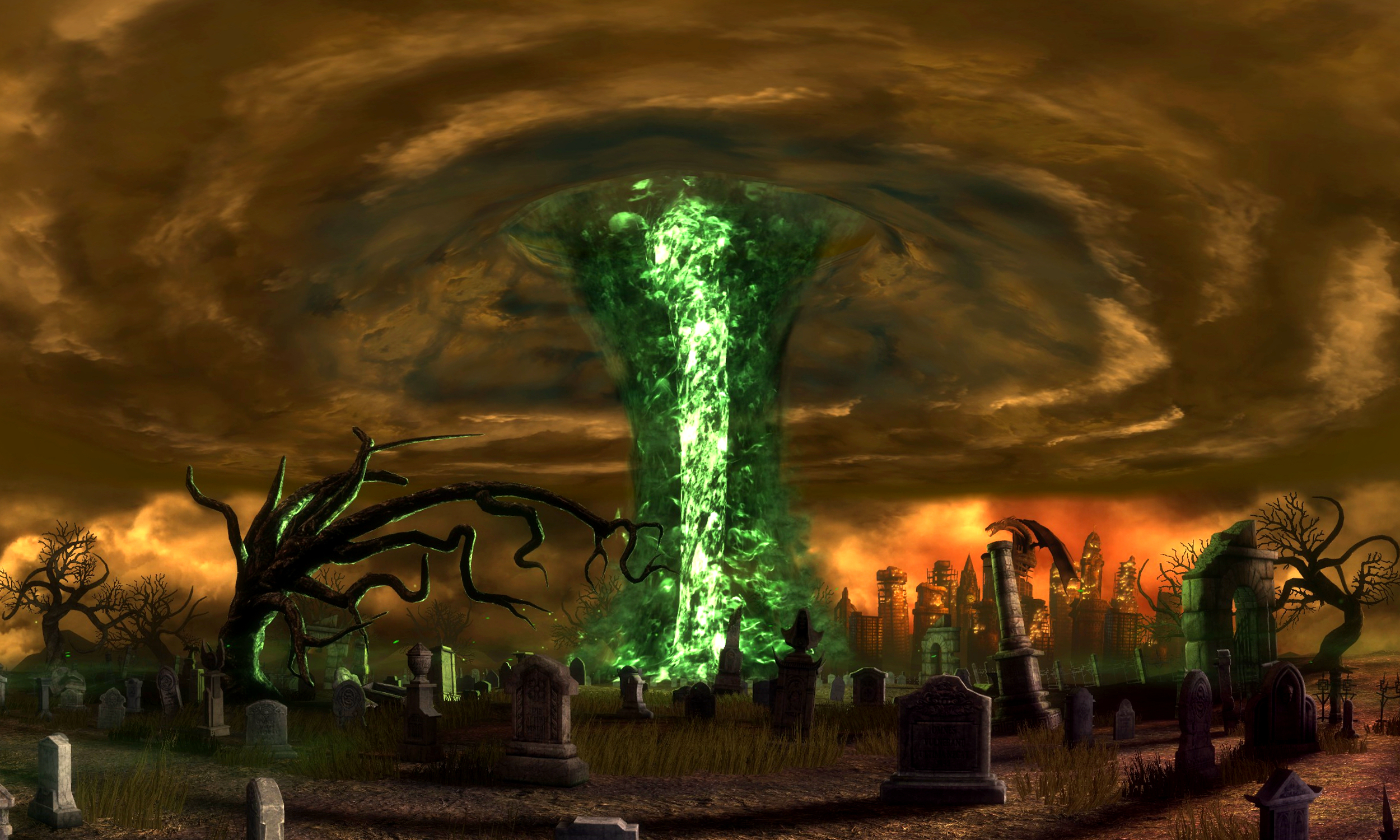
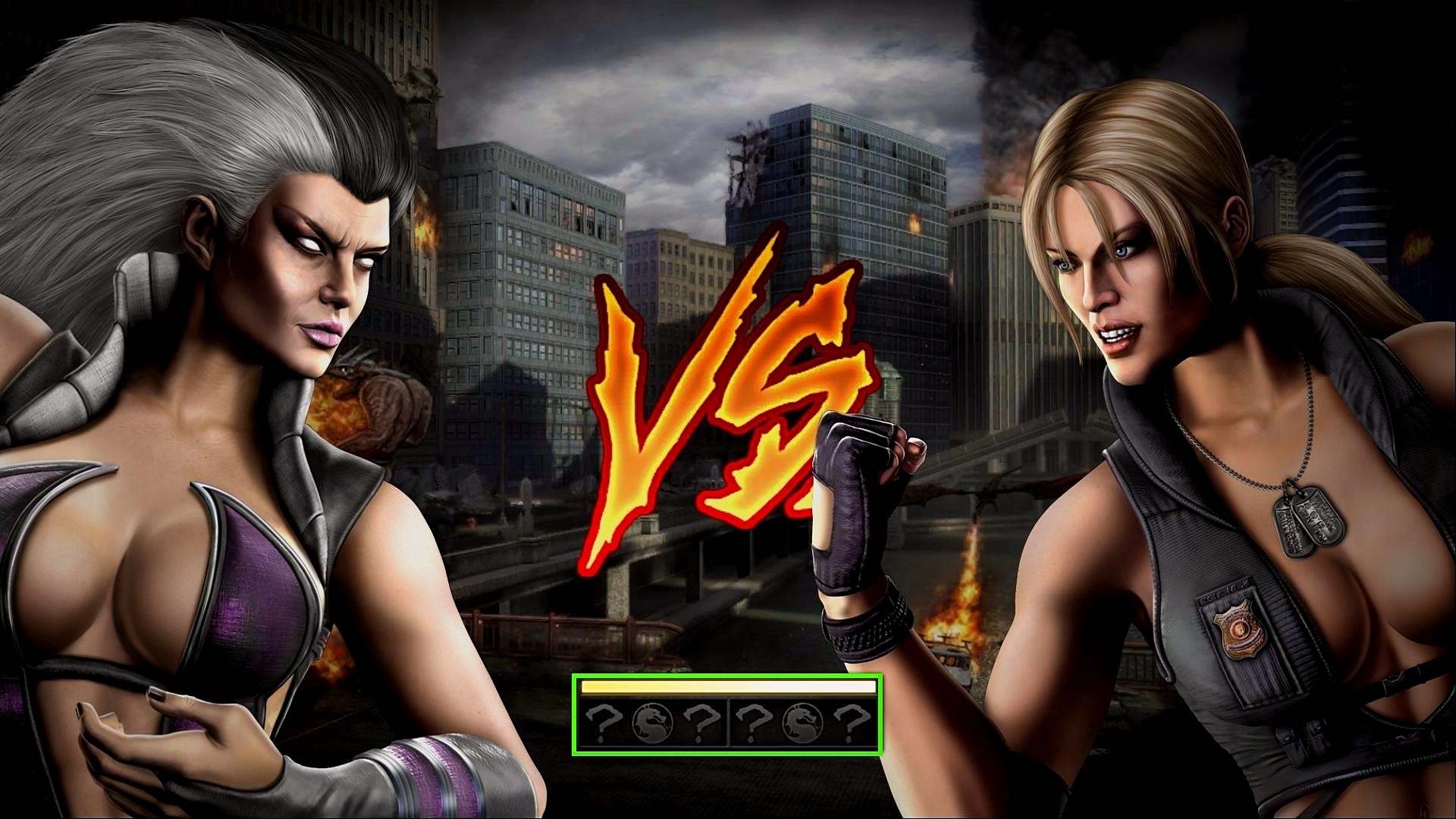
To turn off the HUD, we need to:
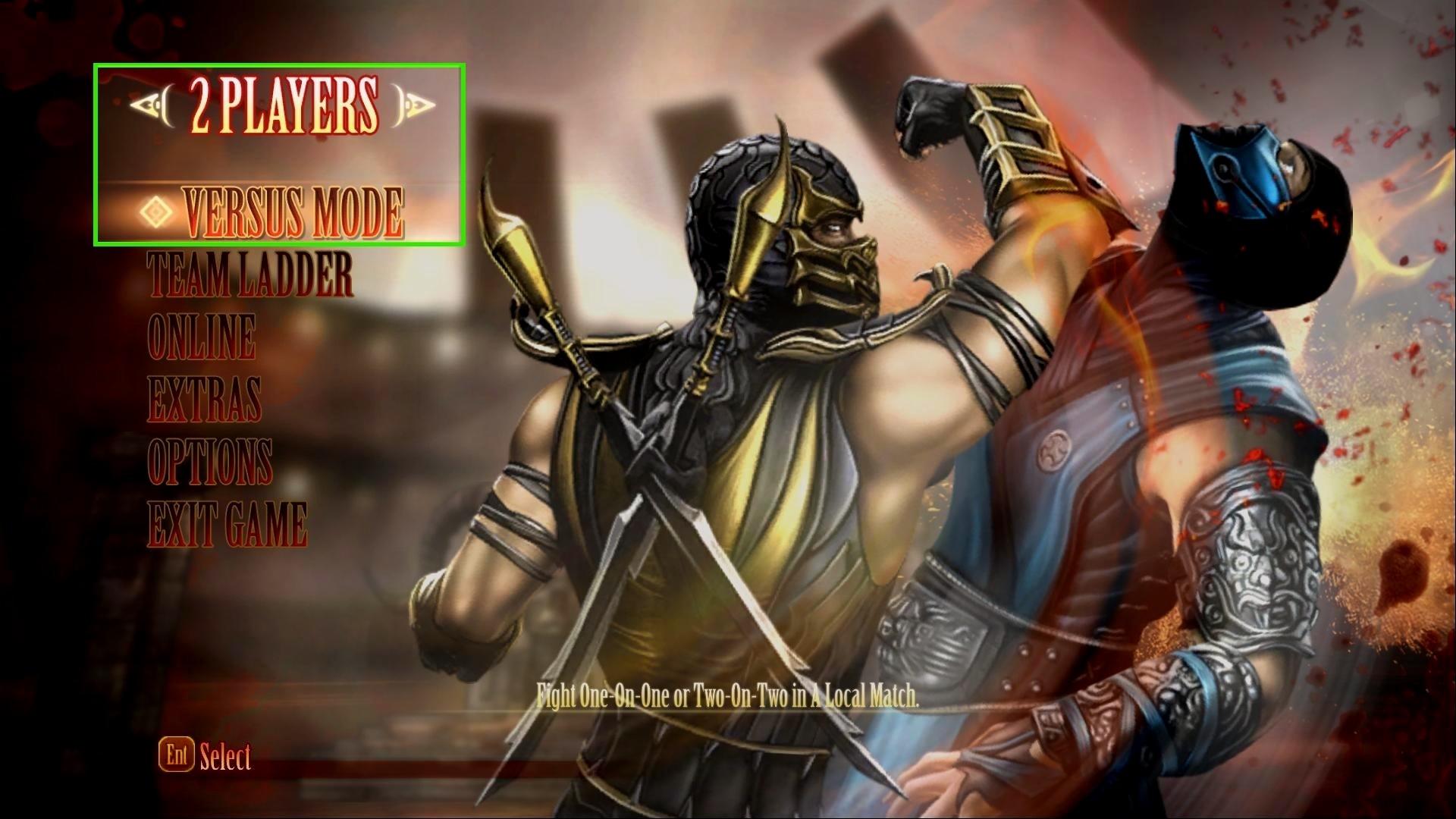 Method #1Attention! I used the Xbox 360 controller
- Start the game
- 2 players - versus mode
- Before the battle enter the code
(P1: 4-0.4 P2: 4-0-4)
• Keyboard:
 press the J button 4 times
press the T button 4 times
• Xbox 360 controller:press the X button 4 times
press the B button 4 times
Сommand removes Power Bars (All HUD)
_______________________________________________________________________________
Method #2
- Start the game
- Training
- Tag team practice
Free Camera
• Download Free Look Camera[www.mediafire.com]- Launch the MK9_Free_Look_Camera.exe and MK Komplete Edition
(doesn't matter which is first) - Alt+Tab back to desktop
- Click Refresh (this will auto select the MKKE process)
- Read the info in the interface and it should be straightforward from ther
Чтобы отключить HUD нам нужно:
Метод #1Внимание! Я использовал Xbox 360 controller (но возможно подойдет и другой)
- Запускаем игру
- Режим 2 players - versus mode
- Перед самым началом боя прописать код
(P1: 4-0.4 P2: 4-0-4)
• На клавиатуре:жмем J 4 разажмем T 4 раза
• Xbox 360 controller:жмем X 4 раза
жмем B 4 раза
Команда убирает полоски здоровья (весь HUD)
_______________________________________________________________________________
Метод #2
- Запускаем игру
- Режим - Training
- Строка - Tag team practice
Свободная камера
• Скачиваем Free Look Camera[www.mediafire.com]- Запускаем файл MK9_Free_Look_Camera.exe и игру MK Komplete Edition
(не важно что в первую очередь) - Жмем Alt+Tab
- В открытом приложении жмем Refresh (программа сама найдет нужный процесс)
- Ознакомьтесь с интерфейсом программы, что бы было проще управлять камерой
Subscribe

Follow to my guide for future updates and more information


![[РЕШЕНИЕ] Mortal Kombat Komplete Edition вылетает с двумя ошибками при запуске](/uploads/posts/games/h1d04e7402e32894943ac1341f88ea4a3.webp)