
About mod (О моде)
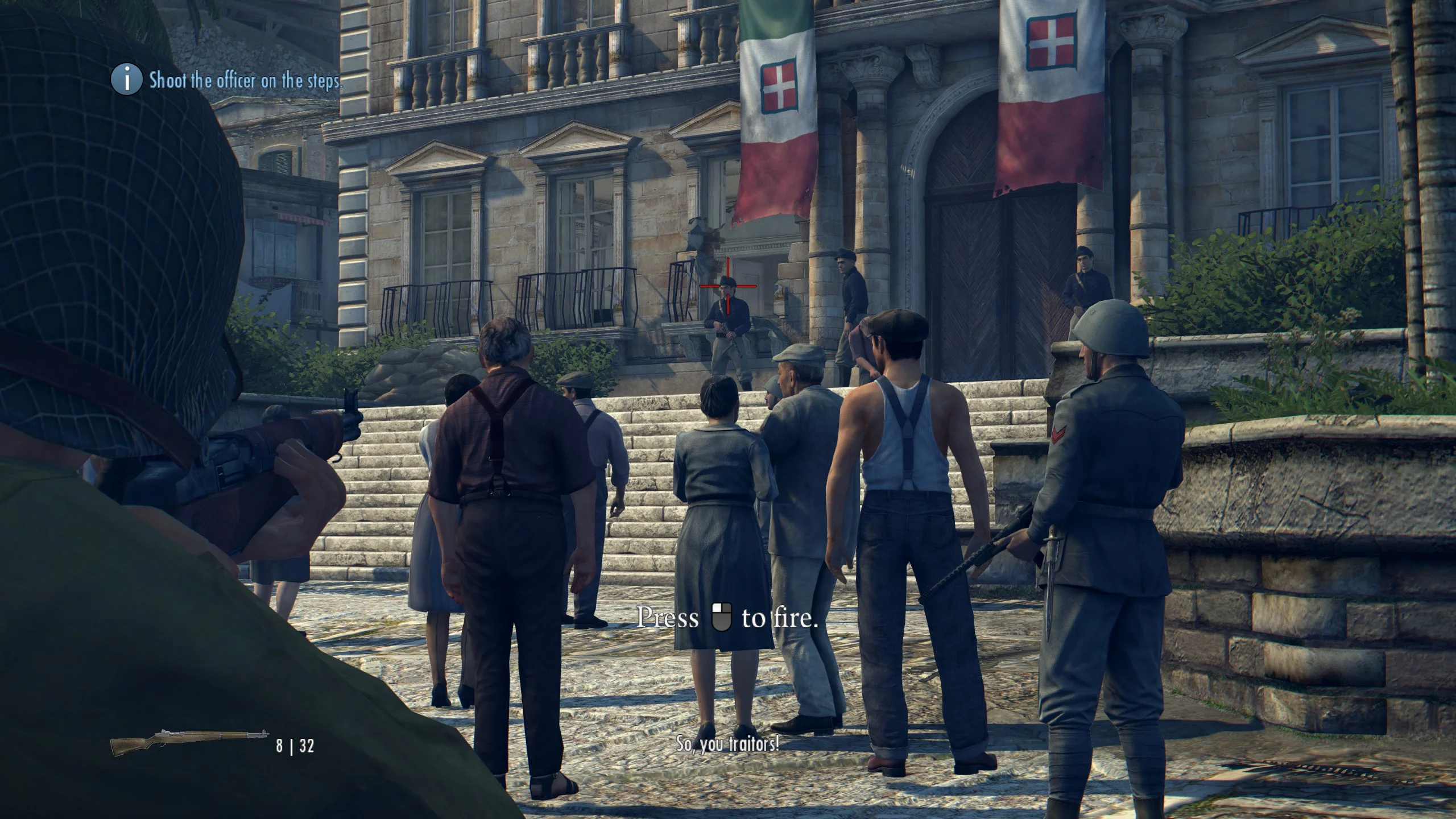
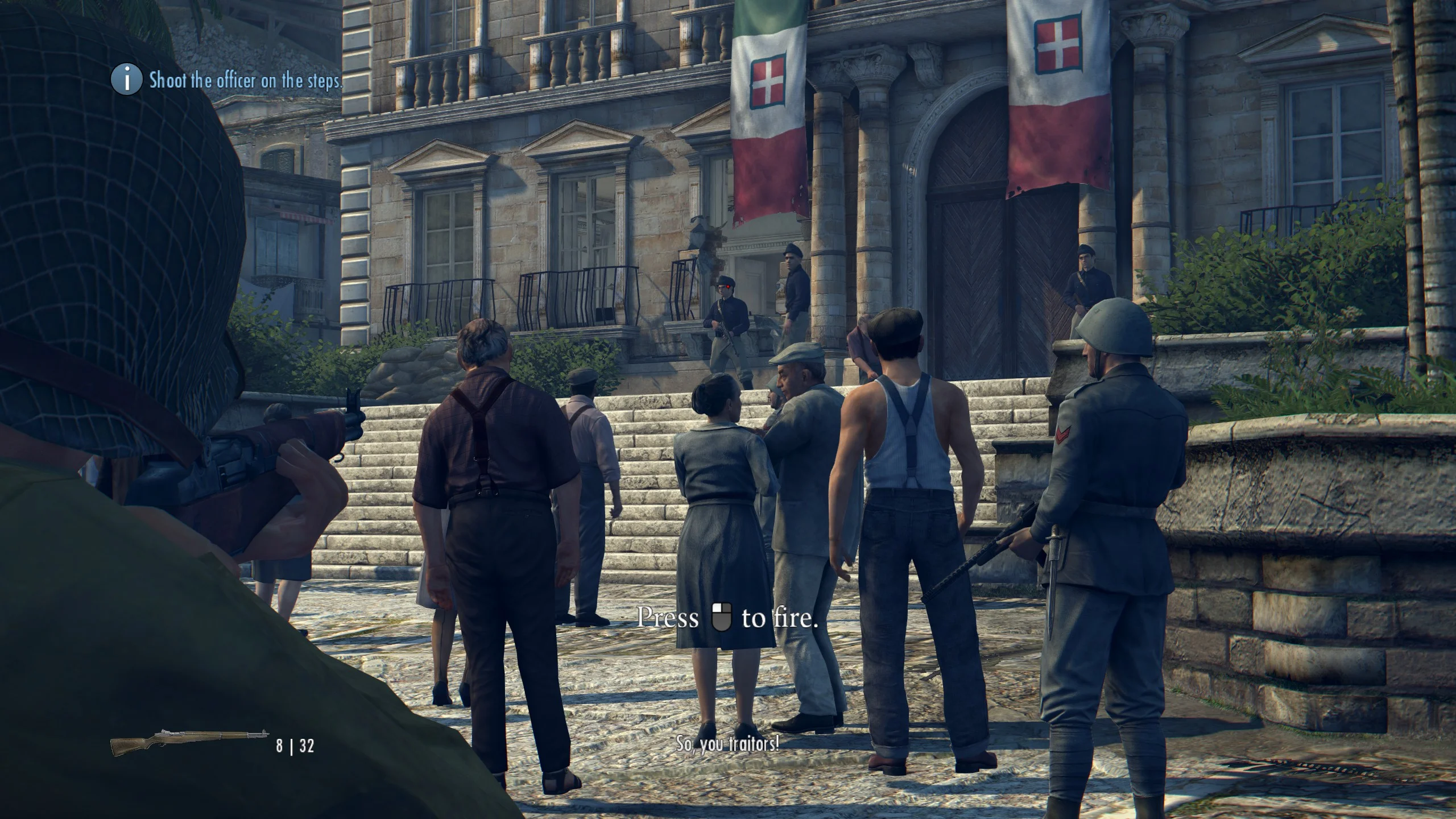
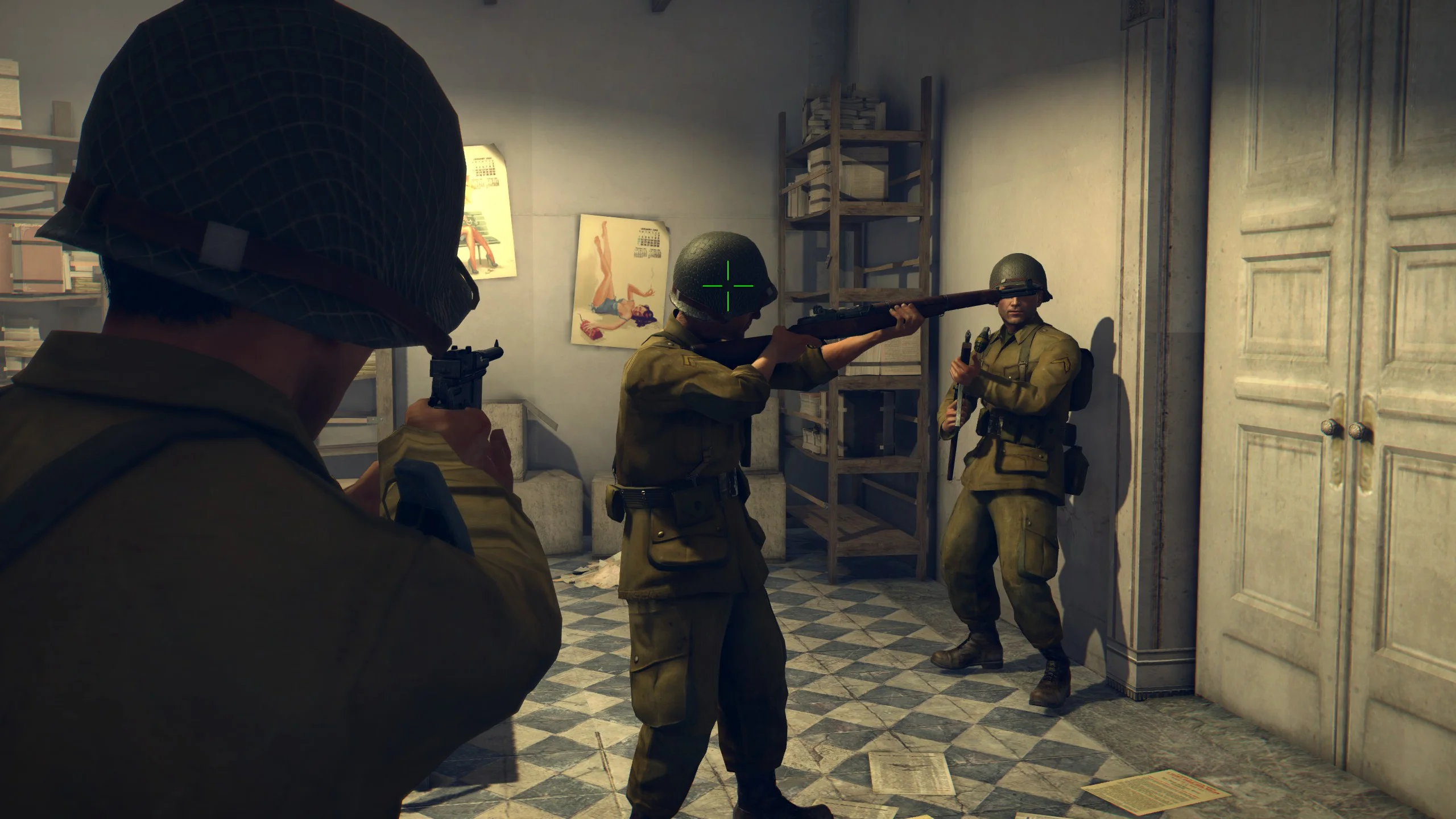
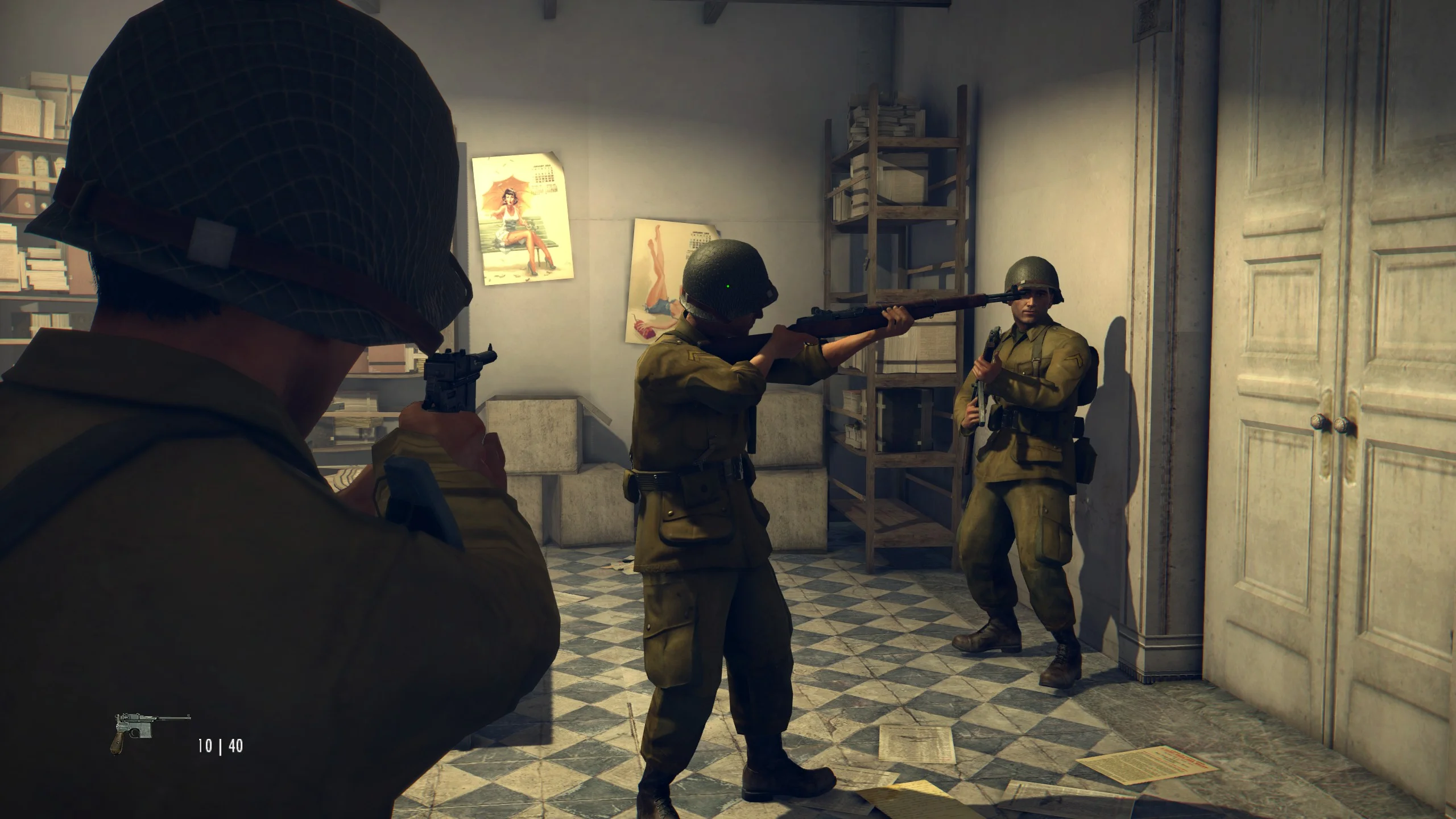
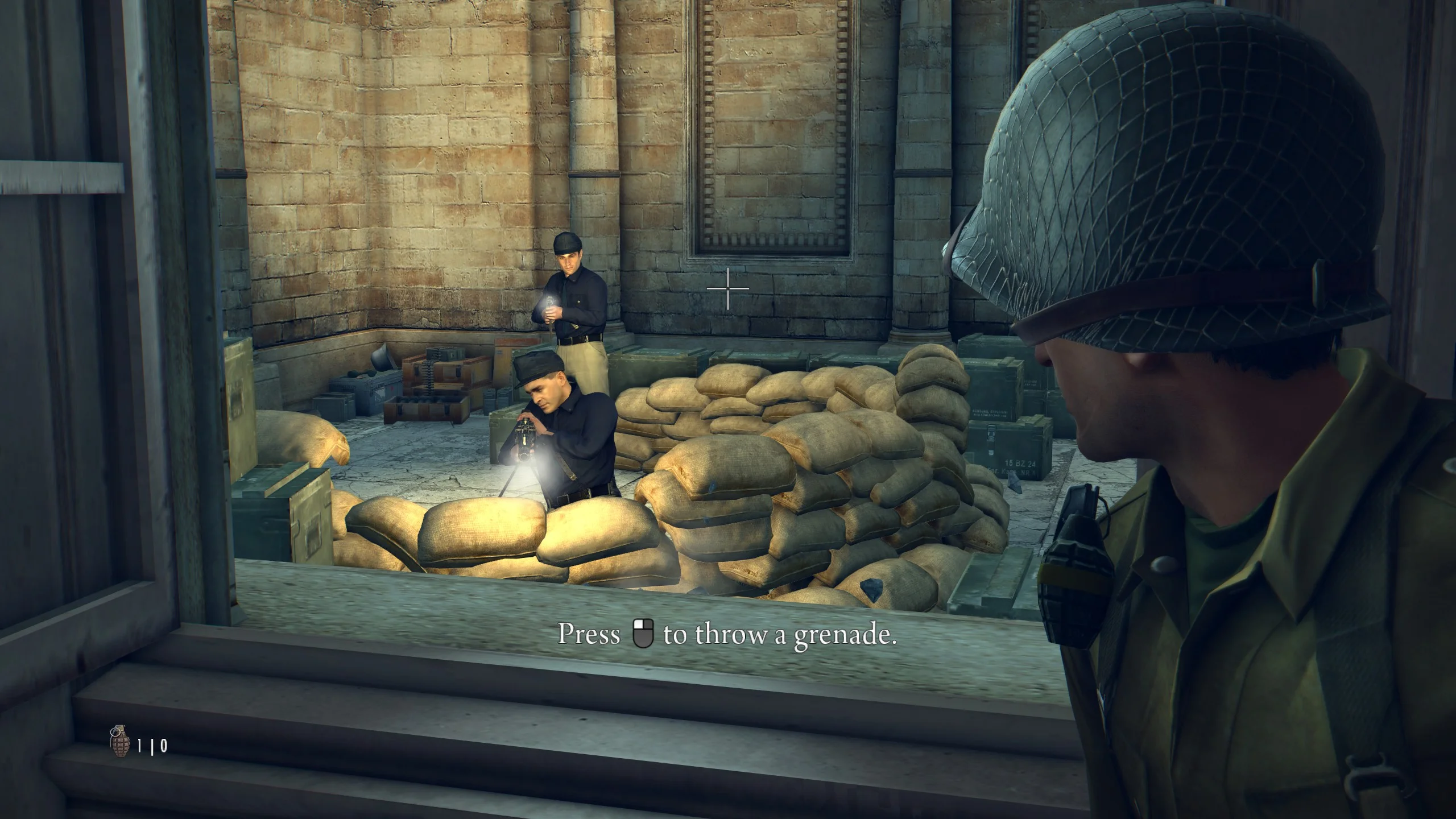
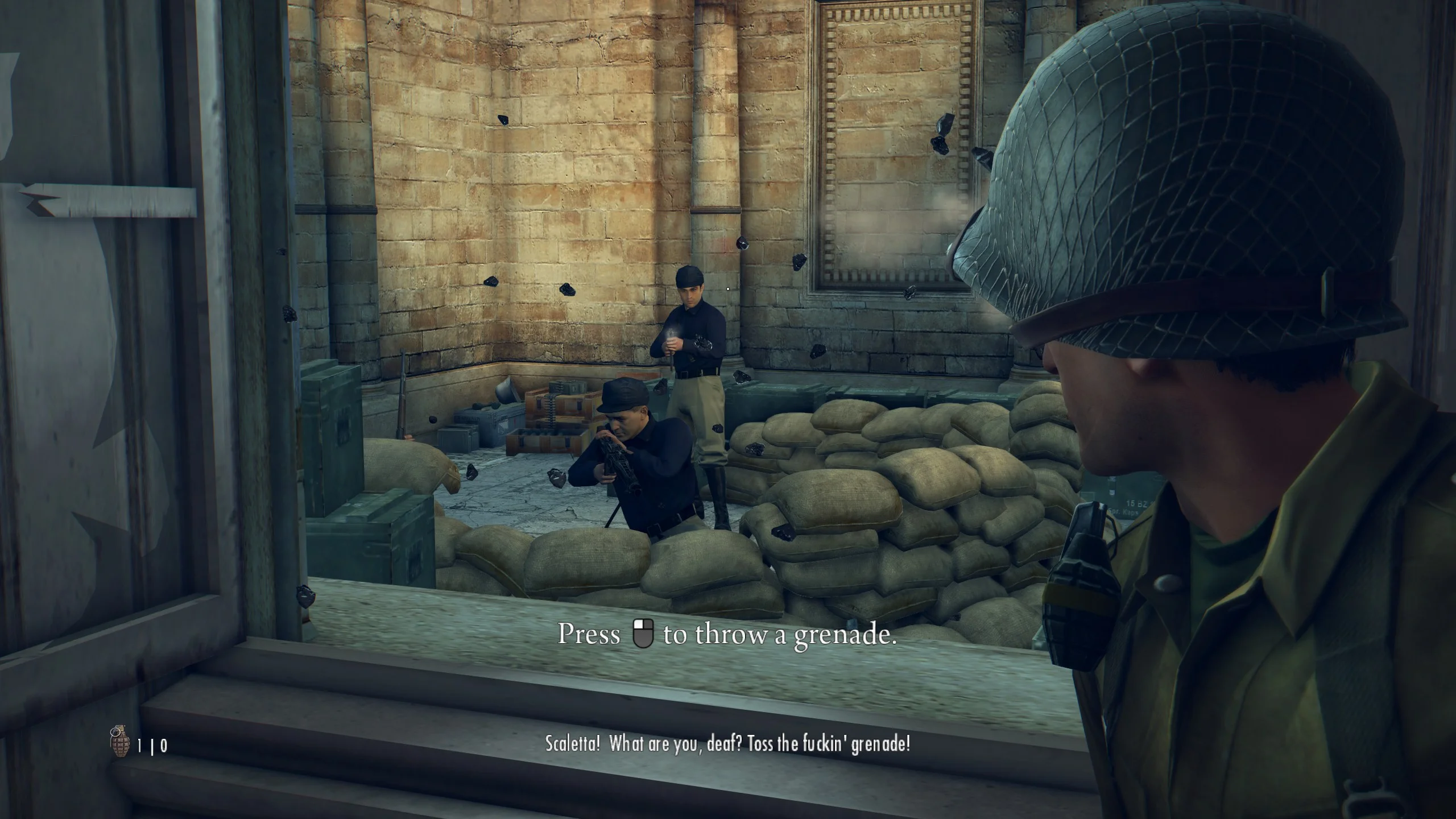
This mod replaces the large crosshair with a small dot.Этот мод заменяет большую крестовину на маленькую точку.
Download (Откуда скачать)
Before / After (До / После)
Как установить
Папку из архива скопировать в папку с установленной игрой:SteamsteamappscommonMafia II Definitive Edition
Как найти папку с игрой через steam?
- Откройте Библиотеку игр в Steam.
- Найдите Mafia II: Definitive Edition.
- Щёлкните правой кнопкой мыши по игре и выберите Свойства
- Перейдите во вкладку Установленные файлы.
- Нажмите Обзор… — откроется папка с игрой.
- Скопируйте сюда папку из архива.
- Спросит заменить файл, нажмите Заменить файл в папке назначения.
How to install
Simply drop the folder from the archive into your game directory:SteamsteamappscommonMafia II Definitive Edition
How to find your game folder through Steam:
1 - Open your Steam Library.
2 - Find Mafia II: Definitive Edition.
3 - Right-click the game and select Properties.
4 - Go to the Installed Files tab.
5 - Click Browse… — this will open the game folder.
6 - Copy the folder from the archive into this directory.
7 - If asked to replace any files, choose Replace the file in the destination.
Enjoy!
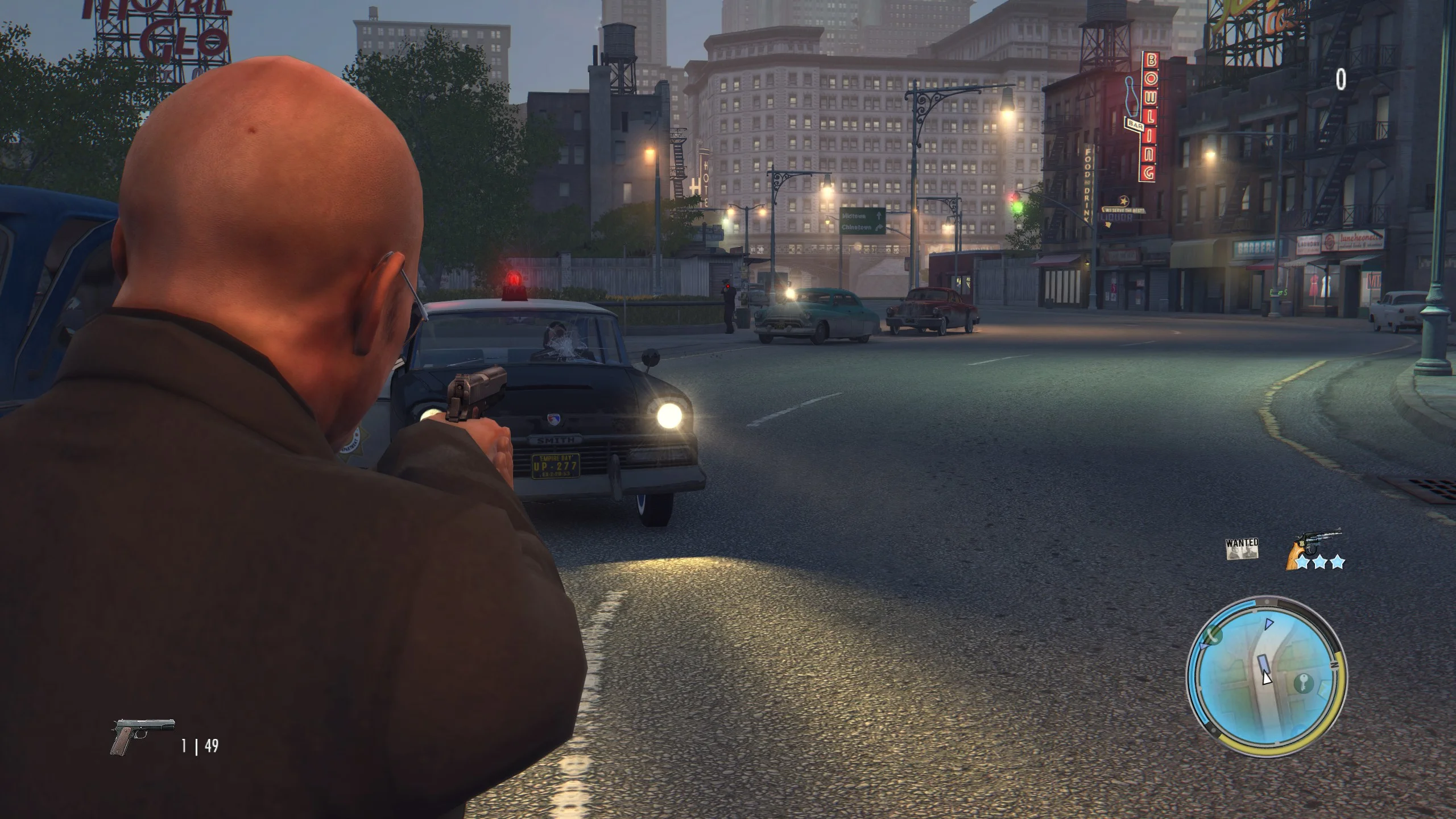
This mod works for both the main campaign and all DLCs. Enjoy!